What Wireframing Is
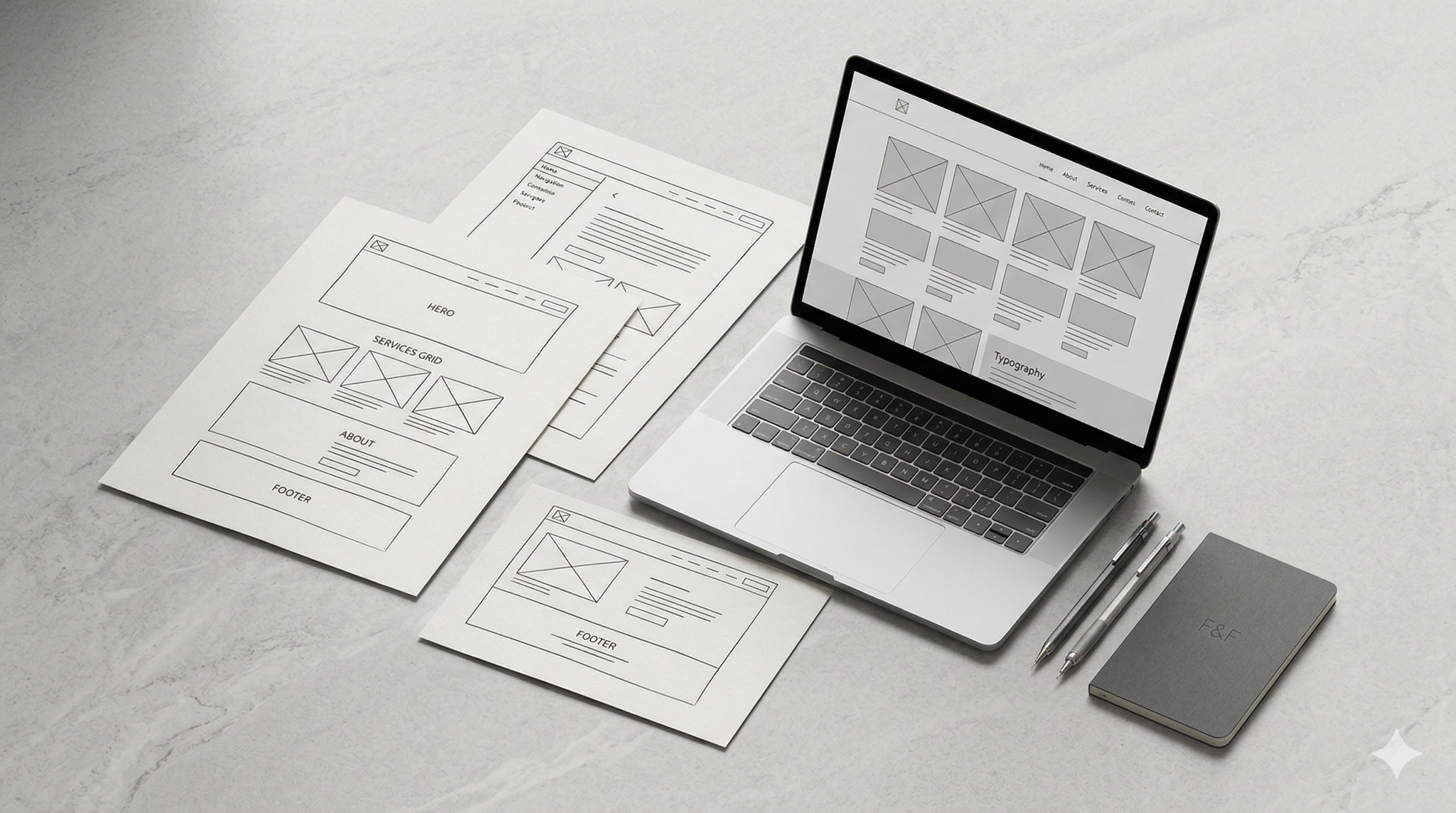
Wireframing is the process of creating a simplified structural layout of a webpage or digital interface. A wireframe shows the placement of content, navigation, calls to action and key page elements without focusing on visual styling.
In most cases, website wireframes are intentionally low fidelity. They use basic shapes, placeholders and simple labels rather than finished branding, photography or detailed UI design. That makes it easier to evaluate the page for logic and usefulness rather than getting distracted by decoration.
A wireframe might show:
- where the main headline sits
- how content is grouped
- where buttons and forms appear
- how the header and navigation behave
- what users are likely to see first
- how information flows down the page
This makes wireframing one of the most practical stages of website structure planning. It gives teams a shared view of the website before more expensive design and development decisions begin.
Why Wireframes Matter Before Visual Design
Visual design can make a website feel polished, but it cannot fix weak structure on its own. If a page is confusing, cluttered or badly prioritised, better colours and typography will not solve the underlying problem.
That is why the wireframing process matters early. It allows teams to focus on function before appearance.
Wireframes are useful because they help answer core questions such as:
- What is the page trying to do?
- What should users notice first?
- What content is essential?
- Where should actions happen?
- Is the page easy to scan and understand?
Without this stage, teams often move too quickly into high-fidelity design and end up reviewing aesthetics before they have agreed on layout, hierarchy or user flow. That usually leads to avoidable revisions later.
UX wireframes create a more disciplined starting point. They reduce guesswork, improve collaboration and make it easier to spot structural issues before they become expensive to fix.
What Good Wireframes Help Teams Decide
Good wireframing is not only about drawing boxes on a screen. It is about making better decisions early. A strong wireframe gives clarity around how a page should work and what it needs to communicate.
Content Placement
One of the first jobs of a wireframe is to define where content should live on the page. This is more important than it may seem.
When content placement is handled well, users can understand a page quickly. They do not have to search for key information or work too hard to follow the logic of the layout.
Wireframes help teams decide:
- which messages belong above the fold
- where supporting content should sit
- how sections should be grouped
- whether the page feels too dense or too thin
- how content should guide users toward action
This is especially useful when pages include a mix of brand messaging, service explanations, trust signals and conversion elements. A wireframe helps organise these parts into a structure that feels coherent rather than fragmented.
Navigation
Navigation decisions shape the entire user experience. If users cannot understand where to go next, the website becomes harder to use no matter how attractive it looks.
Wireframing helps teams think through navigation before visual design adds another layer of complexity. It allows them to test whether the menu structure, page links and section flow make sense.
This stage can help clarify:
- what belongs in the main navigation
- how users move between key pages
- whether internal page navigation is needed
- how mobile navigation may need to work
- what shortcuts or repeated links should be included
This is one reason wireframing is closely tied to UX planning. It gives structure to user journeys rather than treating navigation as a final interface detail.
Page Hierarchy
A good webpage does not present everything at the same level of importance. It guides attention. Page hierarchy is about deciding what deserves priority and what should come later.
Wireframes are useful because they force that prioritisation early.
They help teams identify:
- the primary purpose of the page
- the order in which information should appear
- which elements support the main message
- where trust-building details should sit
- how much emphasis should be given to each section
This matters because users do not experience a webpage all at once. They scan, pause, compare and decide. Strong hierarchy makes that process easier. Weak hierarchy creates friction.
When website wireframes are done well, they reveal whether the page has a clear centre of gravity or whether too many competing messages are fighting for attention.
User Actions
Every important page should support some kind of user action, whether that means making an enquiry, exploring a service, comparing options, downloading information or moving deeper into the site.
Wireframes help teams define where those actions should happen and how visible they should be.
This includes decisions like:
- where to place primary and secondary calls to action
- whether forms are introduced early or later
- how many actions should appear on one page
- what supporting content is needed before users commit
- how action points fit naturally into the page flow
This makes the wireframing process especially valuable for conversion-focused pages. It helps teams shape behaviour intentionally rather than simply inserting buttons after the layout has already been designed.
Common Wireframing Mistakes
Wireframing is useful, but only when it is treated as a real planning tool. There are several common mistakes that reduce its value.
Mistaking wireframes for visual design
A wireframe should not become a partially designed interface too early. Once people start debating fonts, colours or image style, the structural purpose gets lost.
Making wireframes too vague
Simple is good, but overly abstract wireframes can leave too much open to interpretation. Teams still need enough clarity to make decisions about layout, flow and priorities.
Skipping content thinking
A page structure only works when it reflects realistic content needs. Wireframes created without considering actual messaging often look neat at first but fail later when real content is added.
Ignoring mobile structure
Wireframes that only consider desktop layouts can create problems further into the project. Responsive behaviour and mobile prioritisation should be considered early.
Treating every page the same
Not every page has the same purpose. A homepage, service page, landing page and article template all need different structural logic. Wireframes should reflect that.
Rushing past alignment
Wireframing is one of the best points in a project to align stakeholders. When teams move through it too quickly, disagreements often reappear later during design or development, where changes are more costly.
How Better Structure Improves the Final Website
A better website usually comes from better early decisions, not simply better-looking screens. That is why wireframing has such a direct effect on the final outcome.
When structure is strong from the start, the final website is more likely to be:
- easier to navigate
- clearer to understand
- more consistent across pages
- more efficient to design and build
- better aligned with business goals
- more supportive of user journeys and conversion
Wireframes also improve collaboration. Strategists, designers, developers and clients can review the same framework before the project becomes visually complex. That makes feedback more focused and more useful.
In practical terms, strong wireframing reduces rework. It helps teams solve layout, hierarchy and usability problems before they become embedded in polished design files or coded components.
Structure may not be the most visible part of a website, but it often has the biggest impact on how the site performs.
FAQs
Are wireframes only useful for large website projects?
No. Even small websites benefit from wireframing. The scale may be lighter, but the need for clear structure, content placement and user flow still exists.
What is the difference between a wireframe and a mockup?
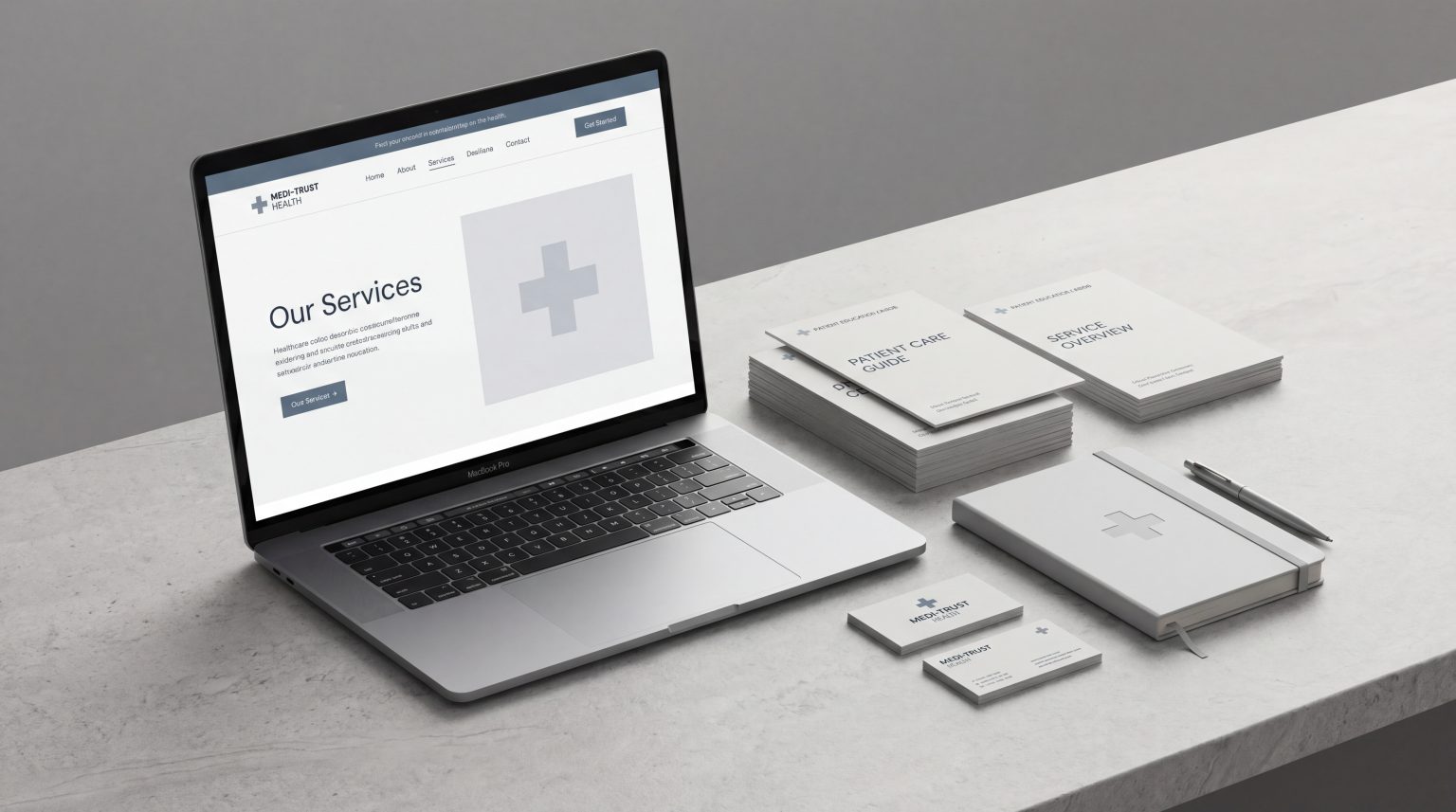
A wireframe focuses on structure and layout. A mockup is usually more visual and includes branding, colours, typography and a more finished design direction.
Should wireframes include real content?
They can include either placeholder or draft content, but they work best when they reflect realistic messaging and content needs. That makes the layout easier to assess properly.
Are wireframes part of UX design?
Yes. UX wireframes are a practical part of user experience planning because they help shape navigation, hierarchy, content flow and user actions before interface design is finalised.
Can wireframes help with website redesign projects?
Absolutely. In redesign work, wireframes are especially useful because they help teams rethink structure rather than simply restyle existing pages.
Final Thoughts
Wireframing is one of the clearest ways to improve a website before visual design begins. It helps teams focus on structure, priorities and usability while there is still time to make smart changes quickly.
Good websites rarely start with decoration. They start with clear thinking about what users need, what the business needs and how the page should work. Wireframes make that thinking visible.
If you are planning a new website or reviewing an existing one, starting with stronger structure can make every stage that follows more effective. For teams that want better outcomes from web strategy, UX strategy or website redesign, wireframing is often one of the most valuable places to begin.